Field guide5 min readSeptember 16, 2026
2D photo swap or a real render? How to tell in thirty seconds.
Many “AI try-on” tools paste the product over the shopper’s photo. A few render the shopper wearing it. The difference decides whether the fit is real. Four checks anyone can run.

Two very different technologies share the label “virtual try-on”. One takes the product image and warps it over the shopper’s photo. The other builds a body from the shopper and renders the garment on it, with its own fabric, rise and drape. The first is quick and cheap. The second is the one that can tell a shopper anything about fit.
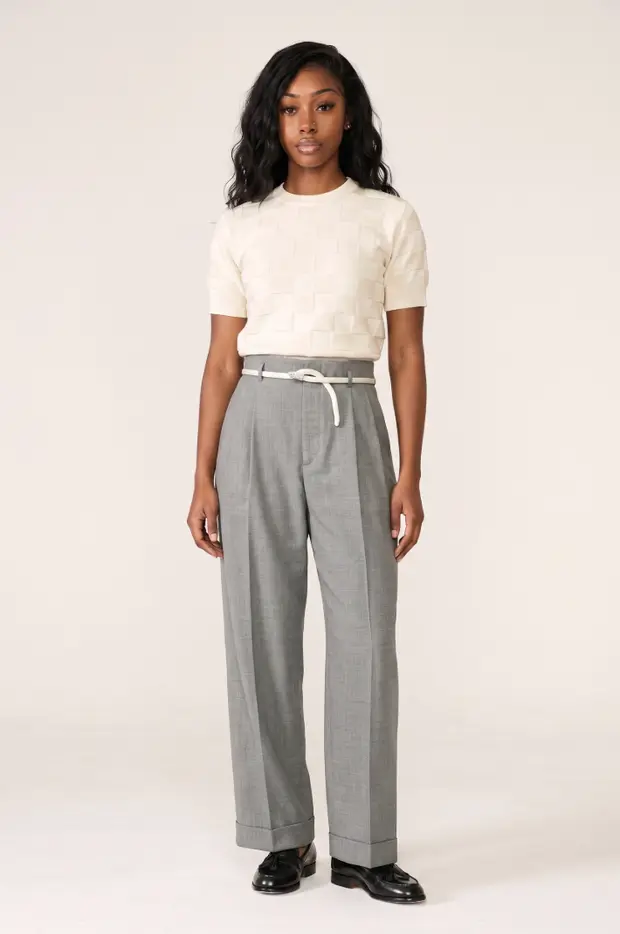
Four checks
- Ask for the back. A swap has no back. A render does, and the seat and hem from behind are where fit surprises hide.
- Change the size. Render an XS and an XXL of the same piece. If they look identical, nothing is being modelled.
- Look at the waistband. In a swap the rise sits wherever the product photo put it. In a render it sits where it would on that body.
- Use a casual photo. A car selfie, a mirror shot. Swaps need a clean, front-on photo to hold together. Renders don’t.
Why it matters for returns
A swap sets a visual expectation, which helps with style-driven returns. It cannot say anything about size, because it never measured a body. Since roughly 42% of fashion returns are size-related, a try-on that stops at the picture leaves the largest cluster untouched.
Garu renders. Every try-on comes with a size recommendation and a fit note, and the front and back views are of the shopper in that size. You can run the four checks yourself on the demo store; nothing to install.