Field guide11 min readAugust 14, 2026
The best Shopify virtual try-on apps, compared.
Six virtual try-on apps for Shopify, compared on real pricing, real App Store reviews, and the question most roundups skip: does it also tell the shopper their size?
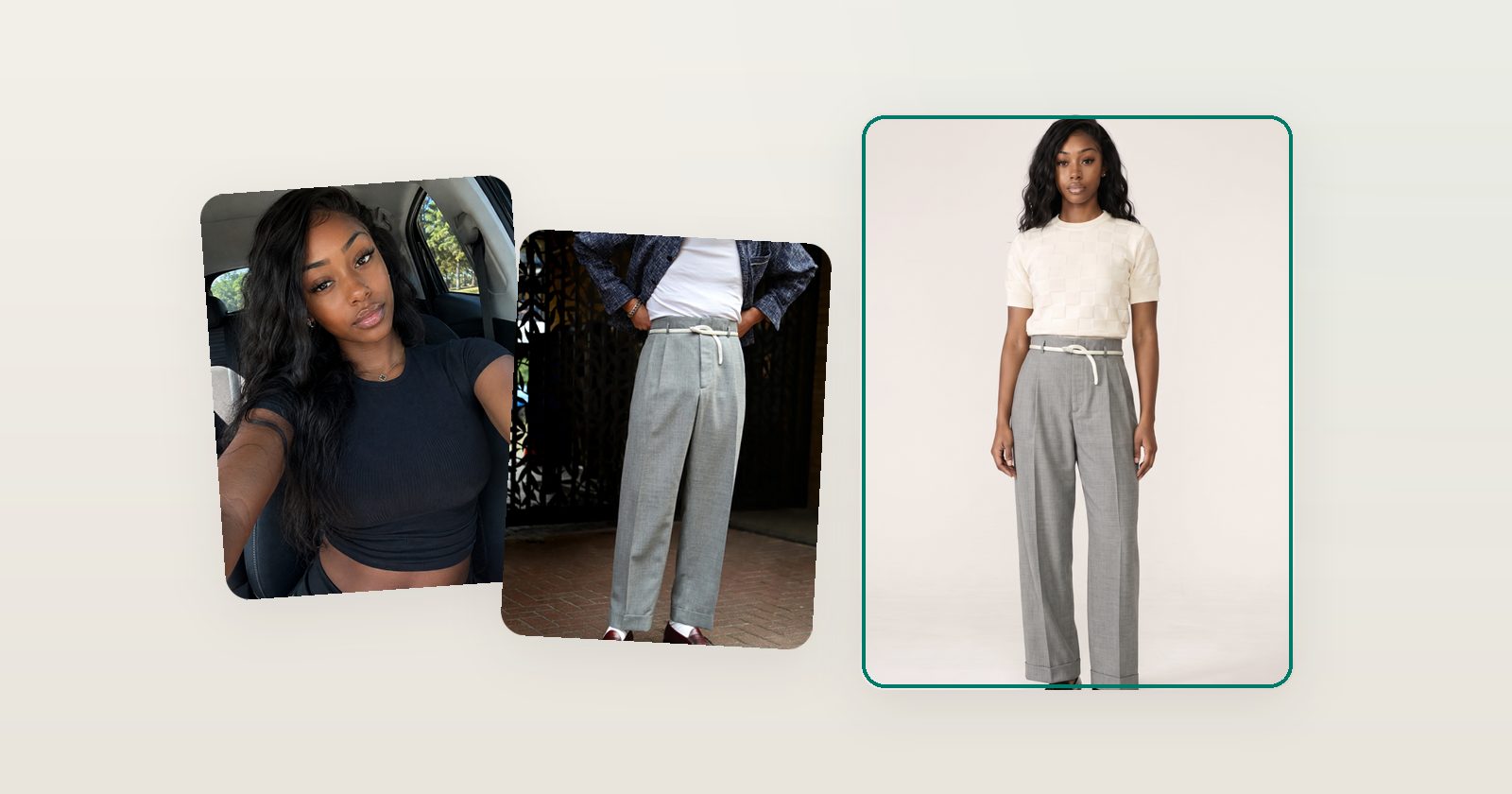
In 2024, putting a try-on button on a product page was a novelty. In 2026 the underlying image generation is close to a commodity — half a dozen Shopify apps will render a shopper wearing your product for a few hundred dollars a year. What separates them now is everything around the render: whether the garment survives the trip (fabric, drape, proportions), whether the app answers the sizing question that actually drives returns, and whether the workflow fits how a small team runs a store.
This guide compares the options honestly, with App Store numbers checked on August 14, 2026.
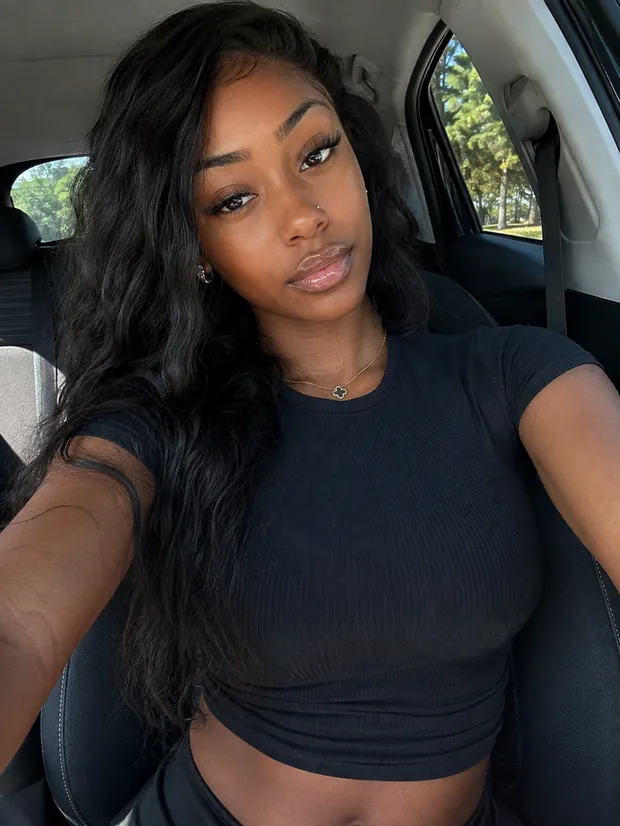
Disclosure: Garu makes one of the apps below. We put ourselves first because we believe the sizing argument, and we've kept every competitor's numbers accurate — check them against the linked listings.
The comparison, in one table
| App | From | Free tier | Rating | Sizing built in? |
|---|---|---|---|---|
| Garu | $199/mo | 25 try-ons/mo | 5.0 ★ (1 review), new in 2026 | Yes — per-garment, with confidence |
| GenLook | $19.99/mo | 10 try-ons/mo | 5.0 ★ (35) | No |
| Antla | $19.99/mo | Trial only | 5.0 ★ (49) | Size-chart display |
| Camweara | $39/mo | Trial only | 5.0 ★ (59) | No |
| Botika | varies | — | — | No (different job — see below) |
1. Garu — try-on and sizing in one widget
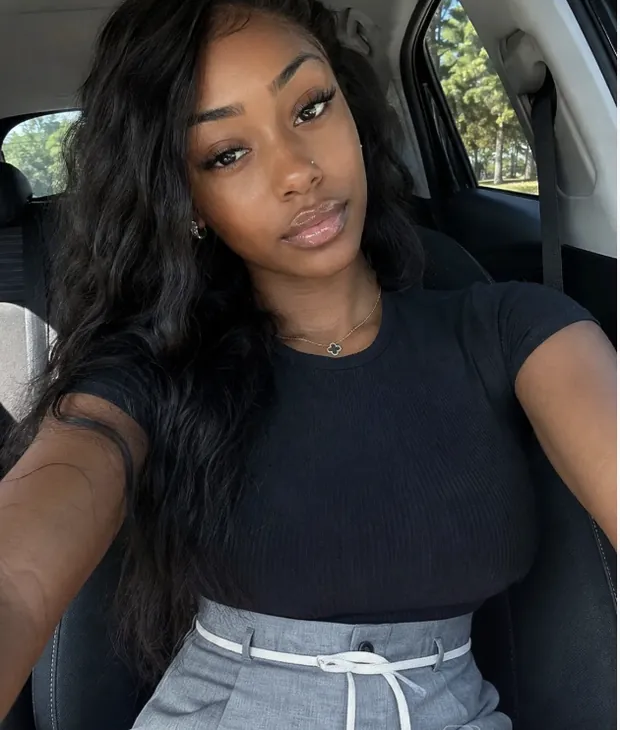
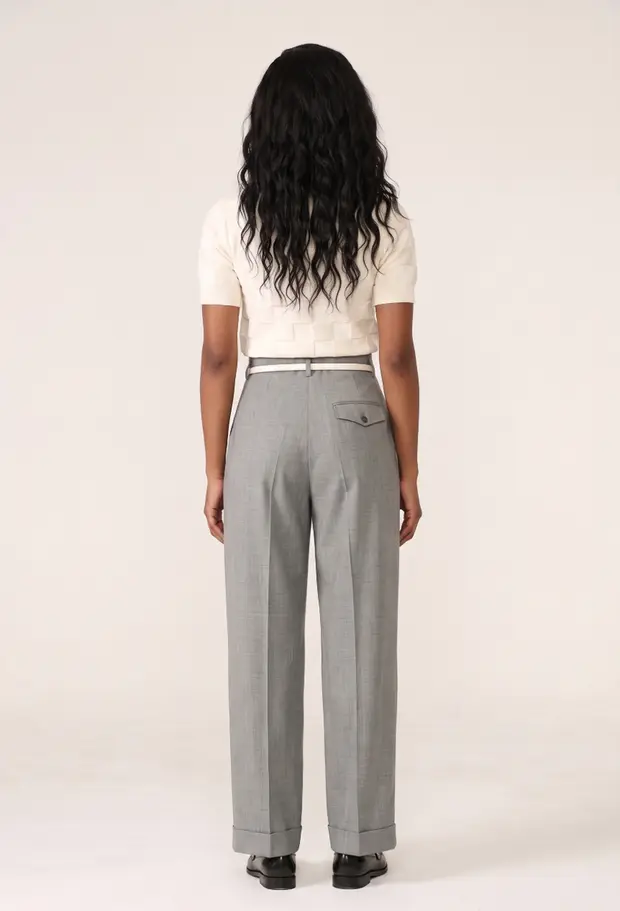
Garu is built on a simple observation: a try-on image answers "how does it look on me?" but the returns bill is driven by "which size do I buy?" — and industry surveys pin roughly 42% of fashion returns on size and fit. So Garu does both in the same flow: the shopper gives height, weight and body shape in about thirty seconds, gets a size recommendation for the specific garment on the page — mapped to your own size chart, with a confidence score — and sees a photoreal render of themselves wearing it, front and back.
- Garment accuracy: renders preserve fabric texture, drape, seams and colour from your product photography rather than pasting a cut-out over the photo.
- Size-true rendering (Garu Plus): re-render the same look at any size on your chart and watch the fit change — useful for shoppers stuck between sizes.
- Install: one Shopify app embed, no theme code; rendering runs on Garu's infrastructure, so your page speed stays yours.
- Privacy: shopper photos are encrypted, deleted after 24 hours, never used for training.
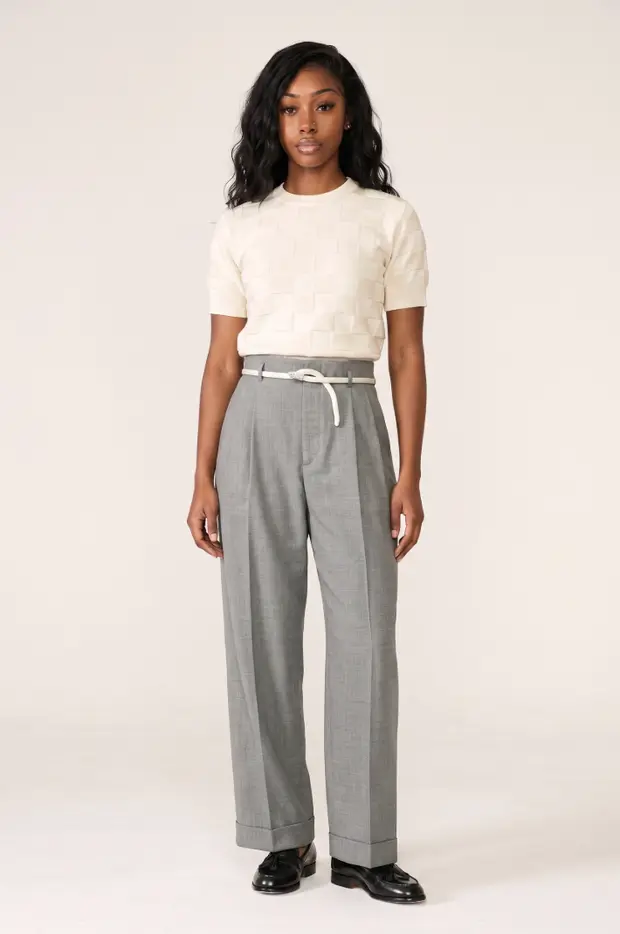
The honest cons. Garu launched in May 2026 and has one App Store review so far — the competitors below have dozens. And at $199/month (800 try-ons) to $399/month (2,500 try-ons, white-label) it's priced as fit infrastructure, not an impulse install, though there's a free tier of 25 try-ons a month to test with. If you want to see the render quality before trusting any of this, the demo store runs the live widget on real product pages.
Best for: fashion brands that want the fitting room, not just the picture — try-on and per-garment sizing as one product.
2. GenLook — the best budget entry point
GenLook (5.0 stars, 35 reviews) is the easiest way to find out whether try-on moves your numbers at all: a genuinely free tier of 10 try-ons a month, then $19.99/month for 100, $29/month for 250, and $99/month for 1,000. The widget inherits your brand colours, and a smart touch — email capture inside the try-on flow — turns the feature into a lead source, with the vendor's branding removable on the Pro plan.
The trade-off: it's try-on only. No size recommendation, so the piece of the returns problem that money actually hangs on is out of scope. Renders are one flat view, and per-try-on overage ($0.10–0.17) needs watching if a product goes viral.
Best for: smaller stores validating try-on on a budget before committing to a fit platform.
3. Antla — the marketing-stack pick
Antla (5.0 stars, 49 reviews) carries Shopify's "Built for Shopify" badge and has been live since August 2024 — a long run in this category. Its distinguishing move is treating try-on as a marketing event: integrations with Klaviyo, Attentive, Postscript and Segment, automatic discounts on outfit try-ons, and share-tracking analytics. Pricing runs $19.99/month (100 try-ons) to $199.99/month (2,000), each with a 7-day trial.
The trade-off: sizing support means displaying your size-chart templates alongside the try-on — the shopper still does the deciding. If your problem is bracketing (ordering two sizes, returning one), a chart in a nicer frame won't move it.
Best for: stores with an active email/SMS program that want try-on wired into it.
4. Camweara — the multi-category veteran
Camweara (5.0 stars, 59 reviews, live since 2021) is the pick when apparel is only part of your catalogue: jewelry, eyewear, watches, hats, wigs and shoes from one install, with live camera-based try-on for accessories — a genuinely different capability from photo-upload rendering, and the right one for rings and glasses. Plans run $39, $90 and $200 a month.
The trade-off: breadth over apparel depth. For clothing specifically, garment drape and fit realism are not the focus the way they are for the apparel-first tools, and there's no sizing engine.
Best for: jewelry- and accessories-led stores where live AR try-on matters more than apparel fit.
5. Botika — solving a different problem well
Botika appears in most try-on roundups, but it's doing a different job: generating product photography — AI models wearing your garments for your PDP images — not letting shoppers see themselves. It replaces photoshoots; it doesn't answer a shopper's fit question. Plenty of stores run both a photography tool and a shopper-facing fitting room. Just know which one you're buying.
6. Beyond the widget: Aiuta and Doji
Two names worth knowing that aren't Shopify apps. Aiuta sells try-on as an enterprise SDK/API for retailers building it into their own apps — the right shape for a large brand with an engineering team. Doji is a consumer iOS app for trying on designer fashion, and its real significance for merchants is expectation-setting: shoppers who've used it now know what good try-on feels like, and they'll notice when a store's version is a flat photo swap.
How to actually choose: a two-week test
- Pick your ten highest-return PDPs (usually denim, outerwear, tailoring) and enable try-on there only.
- Demand the back view. Upload a photo of yourself, render a garment you know well, and look at the back. Drape, seat and hem are where weak models fall apart — a front-facing crop hides everything.
- Test the size extremes. Render an XS and an XXL of the same piece. If they look identical, the tool is drawing a picture, not modelling fit.
- Measure one number: add-to-cart rate for sessions that used the tool versus sessions that didn't. Our ROI calculator will turn that delta into a monthly figure.
FAQ
Do virtual try-on apps actually reduce returns?
Try-on alone sets visual expectations, which helps with style-driven returns. But roughly 42% of fashion returns are size- and fit-driven — and a try-on image without a size answer doesn't touch those. If return reduction is the goal, prioritise tools that pair try-on with a per-garment size recommendation.
What should a realistic virtual try-on show?
Three things: the garment keeping its real fabric, drape and proportions rather than being pasted flat over the photo; a body built from the shopper, not the sample model; and more than one angle — the back view is where fit surprises hide. If a demo only ever shows one perfect front-facing crop, ask why.
How much does virtual try-on for Shopify cost in 2026?
Entry tools start around $19.99/month for roughly 100 try-ons (GenLook, Antla). Multi-category platforms like Camweara run $39–$200/month. Fit-platform pricing like Garu runs $199–$399/month with sizing included. Nearly everyone meters by try-on volume, so estimate product-page traffic before comparing plans.
Are shopper photos safe with try-on apps?
Policies differ by vendor — check retention and training use before installing anything. Garu's policy: photos are encrypted in transit and at rest, used only to generate the try-on, deleted automatically after 24 hours, and never used to train models.