Garu Studio5 min readSeptember 16, 2026
Shoot a collection without a photoshoot.
How Garu Studio turns the product photos you already have into on-model campaign images, what it is good at, and where a photographer still wins.
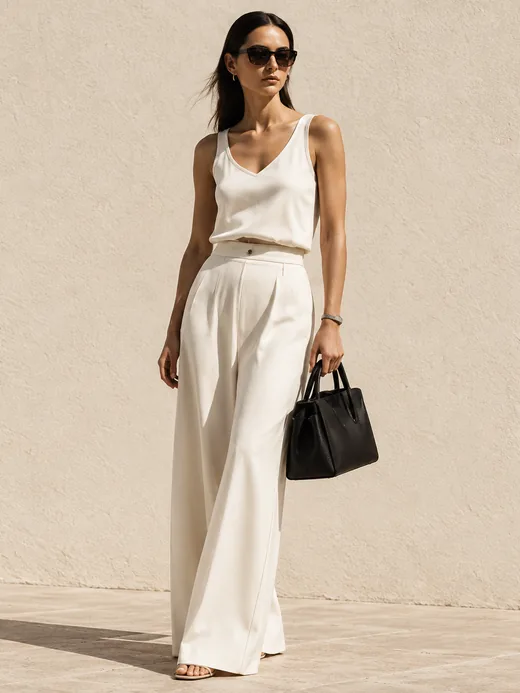
A flat-lay or a ghost mannequin sells a garment. A person wearing it sells the look. For most independent brands the gap between the two is a photoshoot: a model, a studio day, a retoucher, and a week before the images land. Garu Studio closes that gap from the photos you already have.
What it does
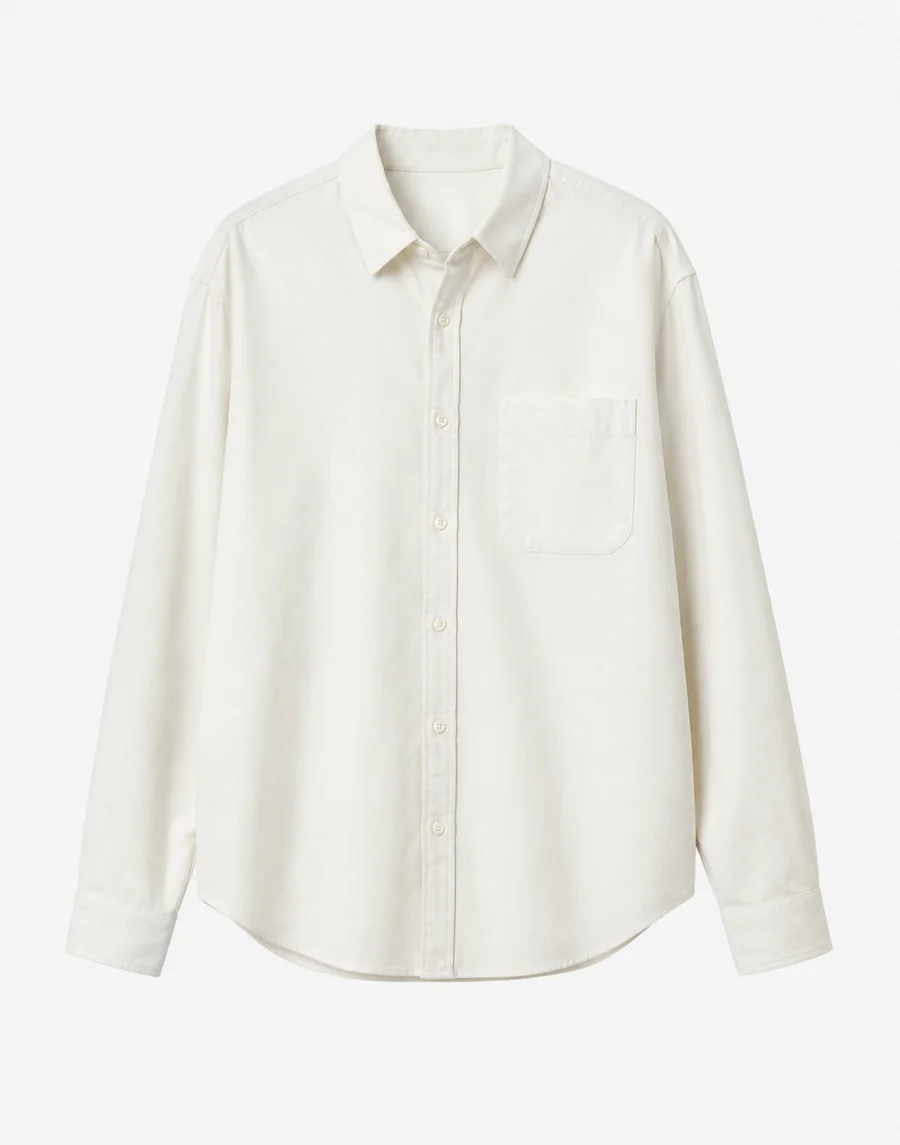
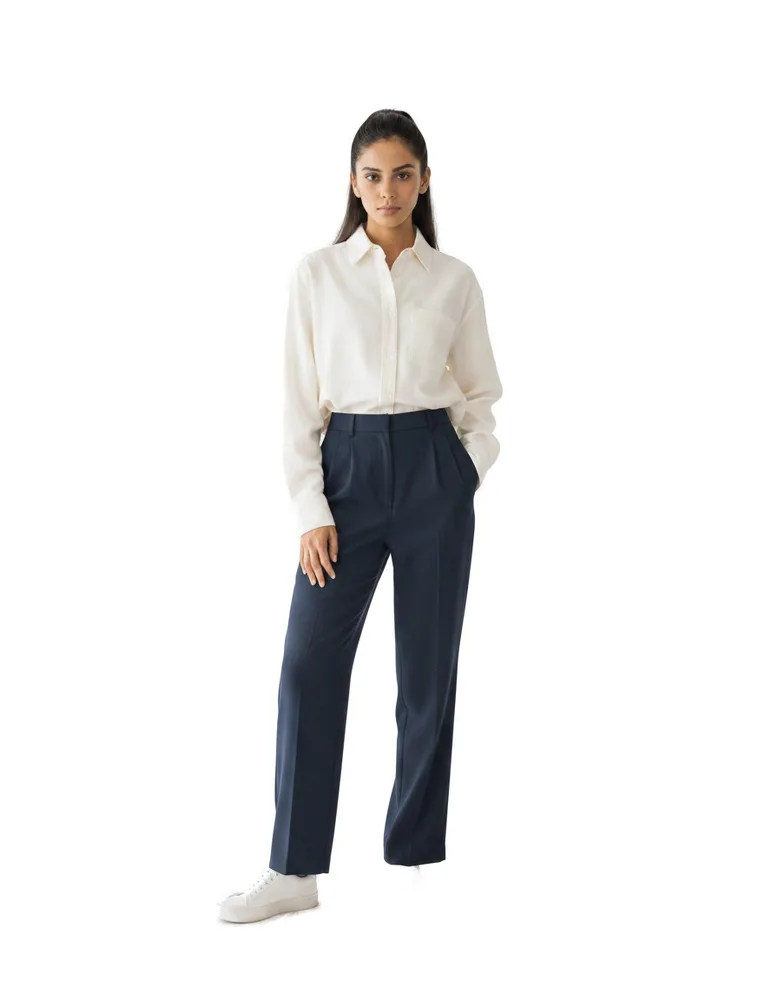
- Start with the piece. Upload the product photo you list with today. Garu builds the garment and renders it on a model, keeping the fabric, print and construction.
- Pick the model and the setting. Age, build and skin tone from a curated roster, or your own presets. Studio, coast, street, or describe a setting.
- Get the set. Front, back and detail crops sized for your product page, lookbook and ads.
Where it is strong, and where it isn’t
Studio is at its best on catalogue work: the fifty pieces that need a clean on-model image this week, new colourways of a piece you already shot, and seasonal refreshes of a setting. It is not a replacement for the hero campaign where a photographer, a location and a real person are the point. Most brands we work with do both, and use Studio to make sure the rest of the catalogue looks like it belongs to the same brand.
The same engine as the fitting room
Studio renders garments the way Garu’s try-on does, which is why the fabric survives the trip. A brand using Garu on its product pages already has its garments built; Studio reuses them. If you want to see the output on your own pieces, book a demo and bring a product page.